
A shopping cart feature is any tool or function built into an online store’s cart system that helps you view, manage, and complete your purchase. These include options like saving items for later, viewing product thumbnails, applying discount codes, calculating shipping costs, and choosing payment methods.
I’ve been shopping online for years, and I can tell you that the difference between abandoning a cart and hitting “buy now” often comes down to these small but powerful features. When I’m hunting for the perfect petite-friendly dress or comparing foundation shades across three different brands, a well-designed cart keeps me organized and confident about my purchase. A clunky one? I’m gone before checkout.
Shopping cart features do much more than display what you’ve added to your order. They reduce friction in the buying process, answer questions before you even ask them (like “Can I use this coupon?” or “How much will shipping cost?”), and give you control over your final decision. Research shows that nearly 70% of online shopping carts are abandoned, and poor cart functionality is a leading cause. Features like guest checkout, clear pricing breakdowns, and easy item editing can mean the difference between a completed sale and a lost opportunity.
In this guide, I’ll walk you through exactly what makes a shopping cart work, the essential features you should expect as a shopper, and how these tools influence your buying decisions. Whether you’re a frequent online shopper or just trying to understand why some checkouts feel effortless while others frustrate you, you’ll learn what to look for and how to make the most of every feature at your fingertips.
What Shopping Cart Features Really Mean
Shopping cart features are the digital tools and interactive elements designed into your online shopping cart that do far more than simply hold the items you’ve selected. They’re the buttons, calculators, notifications, and options that help you manage your selections, track your spending, and ultimately decide what you’ll actually buy. Think of them as your personal shopping assistants working quietly in the background of every purchase you make.
When you’re browsing for a new moisturizer or adding workout leggings in your size to your cart, these features are constantly at work. They show you running price totals, calculate shipping costs, remind you about items you saved last week, and suggest complementary products. Some features, like low-stock alerts or countdown timers, create urgency. Others, like “save for later” options, give you breathing room to reconsider.
- Persistent cart
- A cart that remembers your items across devices and visits, so the jeans you added on your phone last Tuesday are still waiting when you log in from your laptop today.
- Saved for later
- A holding area that lets you move items out of your active cart without losing them entirely, perfect for comparing options or waiting for sales on beauty products you’re considering.
- Cart abandonment tools
- Automated features like reminder emails or pop-ups that retailers use when you leave items in your cart, often including discount codes to encourage you to complete the purchase.
- Checkout optimization
- Streamlined features like guest checkout, autofill, and express payment options designed to reduce friction and make completing your purchase faster and easier.
What makes these features particularly powerful is how they influence your behavior without you always realizing it. That running total at the top of your cart might stop you from adding one more lipstick. The size availability indicator could push you to buy now rather than later. Understanding these features means recognizing them as tools you can use strategically, especially when shopping for fashion pieces that need to fit your petite frame perfectly or beauty products you want to research before committing to full-size versions.
How Shopping Cart Features Work to Influence Your Choices
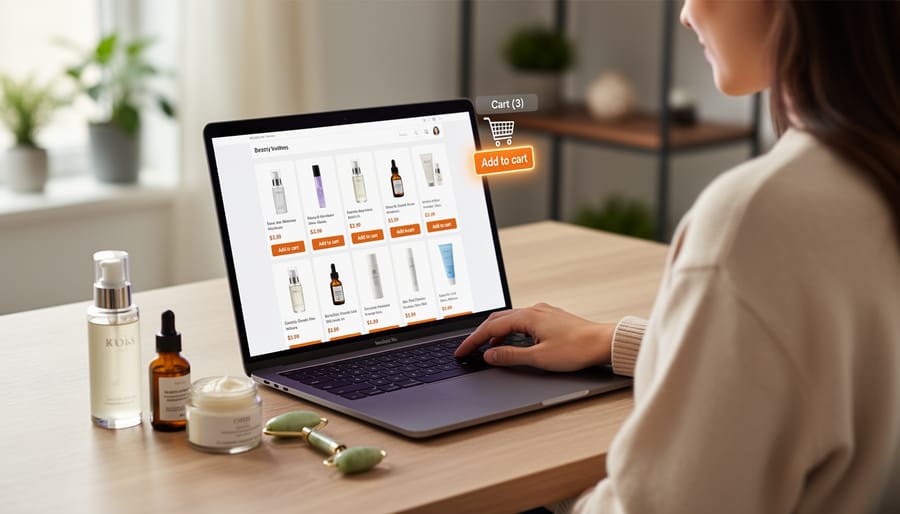
Every time you add something to your cart, a carefully designed system springs into action. That running price total updates instantly, the item counter badge appears on your cart icon, and suddenly you’re aware you’re one click closer to checkout. These aren’t accidents, they’re deliberate design choices that tap into how we make purchasing decisions.
Shopping cart features work on two levels: the practical mechanics you see and the psychological triggers you might not notice. When you adjust a quantity selector and watch the subtotal recalculate in real time, you’re experiencing instant feedback that makes your potential purchase feel concrete and real. That promotional code field sitting empty can create a nagging sense you’re missing out on savings, sometimes prompting you to pause and search for discounts before completing your order. Shipping calculators remove uncertainty by showing exactly what you’ll pay, which research suggests reduces cart abandonment because you’re no longer guessing at hidden costs.
Retailers strategically position these features to guide you toward completion. The progress bar showing “Only 2 items left in stock!” creates urgency. The “Customers also bought” carousel introduces products you hadn’t considered, increasing average order value. Even the placement of the checkout button, always visible, often in a contrasting color, is designed to keep forward momentum in your mind.
But here’s what shifts the power back to you: recognizing these features as tools you control. When I’m shopping for petite clothing, I use that quantity selector deliberately, adding items in different sizes to compare before I commit. The price total becomes my budget checkpoint rather than a nudge toward checkout. That promotional code field reminds me to check my inbox or do a quick search, potentially saving 15 to 20 percent on beauty products I was buying anyway.
The mechanics are neutral, it’s your awareness that determines whether these features push you into hasty decisions or help you shop more strategically.
Essential Types of Shopping Cart Features
Save and Wishlist Functions
I’ve used the ‘Save for Later’ button more times than I can count, especially when browsing petite blazers across three different retailers while trying to decide which cut works best for my proportions. These features let you park items without committing, which is incredibly helpful when you’re comparing fits, waiting for sales, or simply need time to think through a purchase. I keep a running wishlist of workwear pieces and check back every few weeks, last month, a dress I’d saved dropped 30% off, and I bought it immediately because I’d already done the vetting work.
The real power comes from using these tools across multiple sites simultaneously. When I want to shop Chanel in Canada or hunt for petite jeans, I save options everywhere and review them side-by-side later. This prevents impulse buying and lets you spot which retailer offers better shipping or return policies. Some sites even send price drop alerts on saved items, turning your wishlist into a smart shopping assistant that works while you’re busy with everything else.
Price and Inventory Transparency Tools
You know that sinking feeling when you fall in love with a dress, add it to your cart, then discover at checkout that shipping doubles the price? Transparency tools exist to prevent exactly that disappointment.
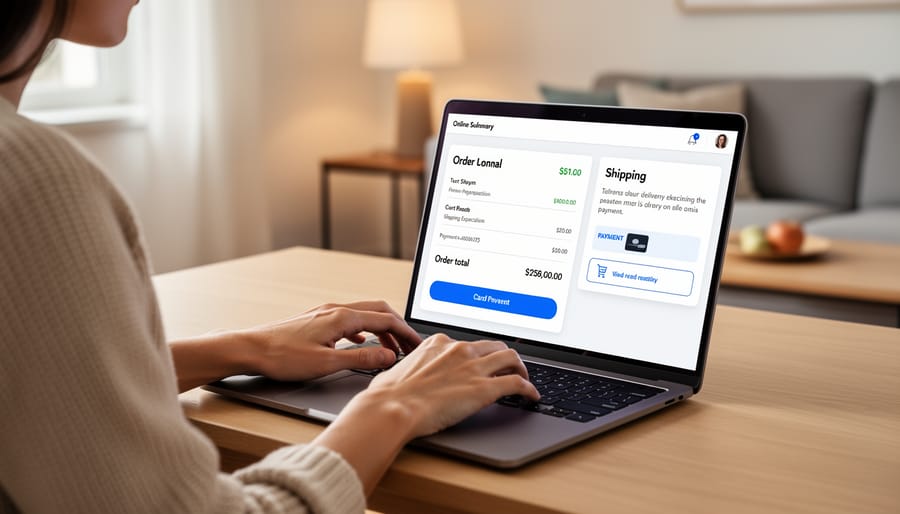
Running totals show your subtotal updating in real time as you add items, so there’s no sticker shock later. I always glance at mine before browsing further, it keeps me honest about my budget. Shipping calculators let you preview delivery costs before you commit, and research confirms the connection between shipping costs and confidence in completing a purchase. When I can see that a $7 flat rate applies whether I buy one lipstick or three, I make smarter bundling decisions.
Stock indicators tell you when an item is running low or when your size is almost gone. That “Only 2 left in size XS” notice? It’s useful information, not just urgency tactics. I’ve learned to screenshot these alerts for petite sizes I’m considering, then check back in a day to see if my interest holds up. Size availability alerts go further, notifying you when sold-out items restock, a game-changer for popular petite styles that disappear fast.
These features shift power back to you. Instead of guessing or gambling, you’re making informed choices with complete information about cost, availability, and timing.
Recommendation and Upsell Features
You’ve probably noticed those “customers also bought” suggestions or the “complete your routine” bundles that pop up as you’re checking out. These recommendation features aren’t random, they’re designed to encourage additional purchases by showing complementary items or popular pairings. In beauty shopping, this might be a moisturizer paired with the cleanser in your cart. For fitness gear, it could be suggesting resistance bands alongside the yoga mat you’ve chosen.
Here’s the thing: these features can actually be useful when you approach them strategically. I’ve discovered great petite-friendly layering pieces through “complete the look” suggestions that I genuinely needed. The key is pausing before adding anything. Ask yourself whether you were already planning to buy something similar, or if this is purely impulse.
Set a firm mental boundary before you start shopping. If a suggestion fills a genuine gap in your routine or wardrobe, it’s worth considering. If it’s just tempting because it’s there, leave it. I treat these prompts as discovery tools, not shopping lists, they can introduce me to products I might have missed, but I still evaluate each one against my actual needs and budget before clicking add.
Checkout Optimization Features
Guest checkout is my go-around when I’m shopping somewhere new and don’t want to commit to yet another account. You click through without registering, enter your details once, and you’re done. I’ve abandoned more carts than I care to admit when faced with a forced sign-up before I could complete a purchase I actually wanted.
Saved payment methods work the opposite way, they’re brilliant once you trust a retailer. One tap and your card details populate automatically. I use this constantly on my go-to beauty sites where I reorder skincare or try new products. It removes that moment of friction where you’re fishing for your wallet and second-guessing whether you really need another serum.
Autofill takes this further by remembering your shipping address, email, and phone number. When it works smoothly, checkout takes fifteen seconds instead of five minutes of typing on a phone screen. Express options like Shop Pay or Apple Pay bundle everything together, you authenticate once and the transaction completes before you can overthink it.
These features directly impact whether purchases happen. Research shows that complicated checkouts cause roughly 18% of cart abandonment. When I’m buying fitness gear or comparing petite sizing across sites, the smoother experience usually wins even if another retailer has slightly better prices.
For accessibility, these features matter enormously. Autofill helps anyone with mobility challenges or difficulty typing. Clear, large buttons benefit users with vision impairments. Guest checkout removes barriers for people wary of password management.
How to Use Cart Features to Shop Smarter
Now that you know what cart features do, let’s talk about using them to your advantage instead of letting them push you into hasty decisions.
The Save for Later button is your best friend for comparison shopping. When I’m eyeing a new skincare serum or a pair of petite jeans, I add potential options to my cart across different retailers, then use the saved items to compare prices, reviews, and shipping costs side by side over a few days. This cooling-off period has saved me from countless impulse buys that looked perfect at midnight but questionable in daylight.
Cart totals become powerful budget tools when you actively watch them. Before adding another item, glance at that running total and ask if the whole purchase still aligns with your petite budget costs. I set a mental threshold, say, $75 for a fashion haul, and if the cart creeps past it, I review each item to decide what really matters. That shipping calculator also reveals when you’re $8 away from free shipping, helping you decide if adding a needed basic makes more sense than paying the fee.
Here are more ways to make cart features work for you:
- Save items in multiple retailers’ carts during regular price periods, then revisit during seasonal sales to snag the best deals
- Enable stock alert notifications for hard-to-find petite sizes so you can grab them when they’re restocked without obsessively checking
- Use the quantity selector to test bulk pricing on wellness staples like vitamins or protein powder, comparing per-unit costs before committing
- Check the saved cart on your phone when you’re tempted to buy something similar in-store, preventing duplicate purchases
The recommendation features deserve special attention. Those “complete the look” suggestions can be genuinely helpful for building cohesive outfits if you’re new to styling petite proportions, but they can also derail your budget fast. My rule is to add recommendations to my wishlist, not directly to cart, then evaluate them separately after I’ve decided on my primary purchase.
For beauty products, I use cart features to plan sample-size trials before committing to full sizes. Many retailers show smaller versions in the recommendations section when you add a product, letting you test a formula without the financial risk of discovering it doesn’t suit your skin.
Common Questions About Shopping Cart Features
I’ve gotten so many questions about cart features over the years, especially about those persistent reminder emails and whether saved items just vanish into the void. Here’s what you need to know to use your cart confidently.
Why do I get emails about items in my cart?
Retailers send abandoned cart emails because they genuinely want to help you complete your purchase, but also because it works for their sales goals. You can usually unsubscribe from these specific reminders in your account settings without losing other useful notifications like sale alerts.
Do saved carts expire?
It varies by retailer, but most keep items saved for 30 to 90 days. Some fashion and beauty sites I shop at keep wishlists indefinitely but clear the actual cart after a few weeks, so check the retailer’s policy if you’re tracking items long-term.
Can I access my cart on different devices?
Yes, if you’re logged into your account. Your cart syncs across devices automatically with most major retailers, which is incredibly handy when you start browsing on your phone and want to finish checkout on your laptop.
How do I avoid impulse purchases when cart features push recommendations?
Treat product suggestions as ideas to research later, not immediate additions. I screenshot interesting recommendations and revisit them after 24 hours, it’s one of those smart online habits that has saved me from countless regret purchases.
Privacy is another common concern. When you buy skincare online or shop any category, retailers track your cart activity to improve their recommendations and personalize your experience. This data typically stays within that retailer’s system, but reading the privacy policy gives you control over how much information you share.
Managing multiple saved carts across different sites can feel overwhelming. I keep a simple note on my phone listing which retailers have items I’m watching, along with approximate prices. This low-tech system prevents me from losing track of comparison shopping without relying entirely on cart notifications.
Understanding shopping cart features isn’t about becoming a tech expert. It’s about recognizing the tools at your fingertips and using them to shop on your own terms. Every save-for-later button, price calculator, and wishlist gives you more control over your budget and your choices.
I’ve watched these features transform my own shopping habits. Instead of rushing through checkout or second-guessing purchases later, I now pause, compare, and make decisions that genuinely align with what I need and can afford. That saved cart becomes a planning tool, not a pressure point. Those product recommendations become suggestions I evaluate, not traps I fall into.
You’re not at the mercy of clever retail tactics. You’re equipped to use the same features that retailers rely on to work in your favor. Whether you’re building a capsule wardrobe, testing new skincare, or investing in fitness gear, these cart tools help you shop smarter and feel better about every purchase.
Your shopping cart is more than a holding space. It’s your command center for thoughtful, confident decisions that reflect who you are and what matters to you. Take charge of it, and watch how much more satisfying your shopping journey becomes.